Grand Theft Auto VI came out on 19 November 2026 on PlayStation 5 and Xbox Series X|S, and the first day broke records. Streams Charts called it the most popular game launch it has ever tracked, across Twitch, YouTube and Kick. CNBC reported that one YouTube Short from a channel with about 1,200 subscribers passed 1.5 million views. That is the opportunity: for a few weeks, people are searching for GTA 6 videos faster than big channels can make them.
This guide is for YouTubers and Instagram creators who want a share of that attention without losing their channel to a takedown, and without drowning in the comments a hit video brings. It covers what to post, the rules to know first, how to title and package videos so they get found, and what to do when one of them takes off.
What to post in GTA 6 launch week
Day one is about first impressions. After that, viewers want help, comparisons and moments worth sharing. Formats that suit the first few weeks:
| Format | Why it works now | Watch out for |
|---|---|---|
| First-hour reaction or first impressions | Everyone wants to know if it lives up to the wait | Keep the story moments short; react, don't replay cutscenes |
| Spoiler-free story playthrough (episodes) | Viewers who haven't bought it yet watch along | Label spoilers clearly; never title an episode with a plot twist |
| Beginner tips and "things I wish I knew" | New players search for help in the first week | Only share what you have tested yourself |
| Settings and performance (PS5 vs Xbox) | A practical search with a clear answer | Say which console and mode you tested |
| Open-world exploration and hidden details | Shareable, and works as Shorts and Reels | Short clips of your own play, not stitched cutscenes |
| Challenge runs and funny moments | Built for Shorts, Reels and clips | Avoid graphic violence in the opening seconds |
| Map and city comparisons (Leonida vs real Florida) | Curiosity that lasts beyond launch week | Use your own footage and your own real-world photos |
Pick one or two formats you can keep making for months rather than chasing all of them. GTA V gave creators more than a decade of work, from guides to roleplay servers. The channels that last will be known for one thing.
The rules to read before you upload
Rockstar's video policy
Rockstar publishes a policy on posting its copyrighted material, and it applies to GTA 6. Read it in full before you build a channel on the game. The points that catch creators out most often: it describes allowed fan videos as non-commercial and defines that as not making money from the footage; isolated videos of the game's cutscenes, endings or edited plot sequences may be removed, while cutscenes inside a longer playthrough or narrated Let's Play are treated differently; and footage from leaked copies before the official release is taken down. Take-Two also reserves the right to remove its material at any time. Monetised gameplay channels are common, but the policy doesn't clearly permit them, so treat ad income on GTA videos as something Rockstar can challenge. Read Rockstar's policy.
YouTube's ad rules for violent gameplay
In September 2026 YouTube updated its advertiser-friendly guidelines for gaming violence. As Dexerto reported, graphic violence in roughly the first seven seconds of a video still makes it ineligible for ads, while graphic moments later in the video can now earn revenue. Videos made mainly to shock, such as compilations of attacks on crowds of NPCs, can still be demonetised. In practice: open with your reaction or the setup, not the most violent moment, and keep gore out of the thumbnail.
Fake clips and AI footage
Fake, AI-generated "GTA 6" clips were already pulling millions of views before launch. Now that the real game is out, viewers are quick to call out fakes in the comments. Only post footage you captured yourself, and say so.
Titles, descriptions and thumbnails that get found
Right now people are typing searches like "gta 6 tips", "gta 6 settings" and "gta 6 shorts" into YouTube and Instagram. Packaging is how your video turns up for them.
- Put "GTA 6" at the start of the title, then one clear promise: "GTA 6: 7 Things I Wish I Knew Before Starting" beats "this game is INSANE".
- Write the first two lines of the description as a summary a viewer would search for. That is the part shown before "more", on YouTube and in Shorts.
- Add chapters to long videos so people can jump to the part they came for, and so the chapters can show up in search.
- On Instagram, put the keywords in the caption itself ("GTA 6 settings for PS5"), because Instagram search reads captions. Three or four relevant hashtags are enough.
- Pin a comment on every video saying what to comment or where to go next. It shapes the comments you will get.
Thumbnails
YouTube recommends a 1280 × 720 thumbnail. What matters more is that it reads at the size of a phone notification:
- Use a frame from your own gameplay, with your face or a clear reaction if you show your face on camera.
- Three words or fewer on the thumbnail, large, high contrast. The title does the explaining.
- Don't use Rockstar's official key art, logos or its logo typeface. It is their trademarked branding, and it makes your video look like every other upload.
- Keep graphic violence out of it, for the ad reasons above.
When a video takes off: handling the comment flood
A launch video that gets traction brings hundreds or thousands of comments, and most of them are the same few types. How you handle them decides whether the viewers who arrived stay. A comments section where the creator answers keeps people talking, and coming back.
| Comment | What it really is | What to do |
|---|---|---|
| "Settings?", "What console?", "Is it worth buying?" | A real question many people share | Answer once in the pinned comment, then reply with the same answer fast |
| "Link?", "Guide?", "Map?" | Someone who wants more from you | On Instagram, send it by DM. On YouTube, point to the link in the description or pinned comment |
| "Part 2 when?" | A returning viewer | Reply with when the next episode comes out; it brings them back |
| "Free GTA 6 PC download", "DM me for codes" | A scam. Rockstar hasn't announced a PC version at the time of writing | Hold or remove it before it reaches your viewers |
| Spoilers in the comments | Someone ruining the story for others | Hold for review and remove; say spoilers aren't allowed in the pinned comment |
| Abuse and repeated spam | Noise | Hide or remove; don't feed it with replies |
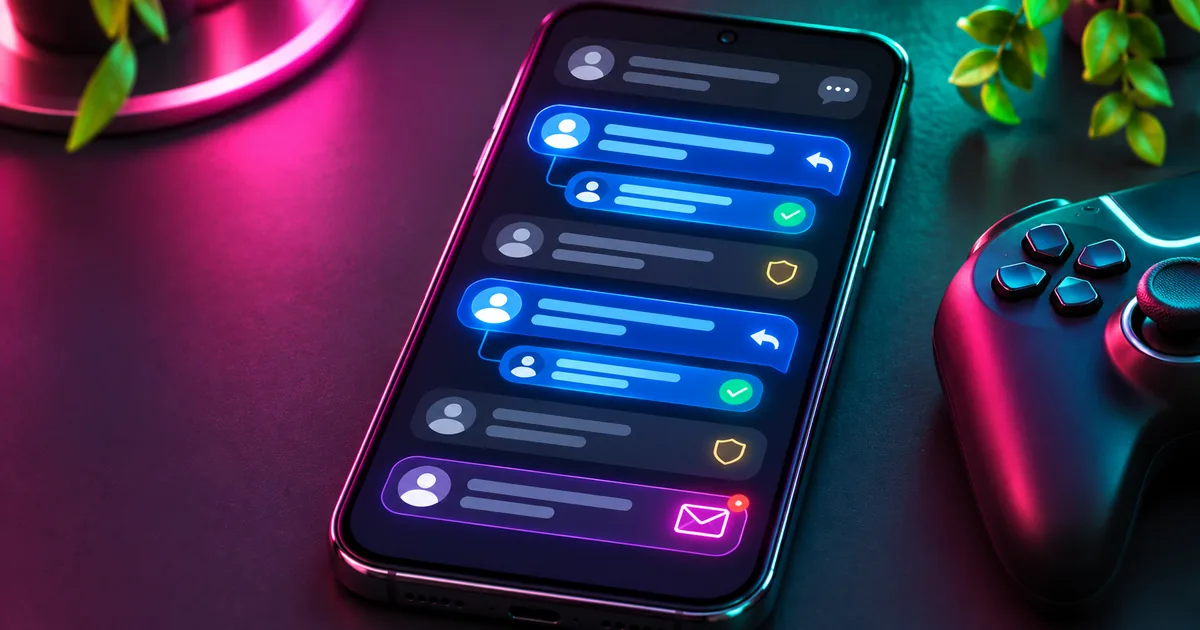
Turn comments into followers with comment-to-DM
The highest-value comment is the one asking for something: a guide, your settings, a map, a link. On Instagram you can answer it with a private message. Meta calls this a Private Reply: someone who comments on your post can receive one private message from you within 7 days, without messaging you first. The comment counts as their request.
Creators use it like this: "Comment SETTINGS and I'll DM you my GTA 6 settings for PS5." Everyone who comments the keyword gets the guide in their inbox within seconds, the comment count goes up, and the post gets a short public reply so other viewers can see you answer.
Answering by hand, two days later
Answered by keyword, within seconds
YouTube has no equivalent DM, so the same idea works through replies: a keyword reply that points to the link in the description or pinned comment, and a follow-up when someone replies back. Keep YouTube replies varied and specific; identical replies on hundreds of comments look like spam to viewers and to YouTube.
Your working checklist
Before you switch on comment automation
Tick the steps you have checked. This worksheet stays on this page and does not change your account.
0 of 5 steps checked
Completing this list is a planning aid, not a certification or proof of performance.
For the details of Meta's rules, see our comment-to-DM guide and what's allowed in Instagram DMs.
Where Talko AI fits, and where it doesn't
We make Talko AI, so here is the honest version. Talko AI handles the comment side of a creator channel: comment-to-DM and keyword replies on Instagram with rotating public replies, and YouTube comment automation that replies by keyword, holds or rejects spam for review, and can let AI continue a thread when a viewer replies. Every comment and DM lands in one inbox, and AI replies run on your own AI key. YouTube comments are checked every couple of minutes, not instantly.
It is not a stream tool. It doesn't moderate Twitch or Kick chat, and it doesn't cover TikTok. If your channel lives on live streams, a chat bot for your streaming platform is the better first tool. If your growth comes from YouTube videos, Shorts and Instagram Reels, look at the Creator plans or read how to connect YouTube.